Upgrading the Graphics Card
I recently bought some software so I could make some commercials for my business. Like a dummy, I didn’t check the system requirements for some of the plugins that I purchased. Lo and behold, when I started up the app, it promptly crashed. Upon further review, I discovered that my graphics card was just below the cutoff for the software.
Thankfully, I have a modular DIY style computer, so when one part goes bad or obsolete, I can simply replace that individual part instead of replacing the entire computer. I ordered a new graphics card from Newegg.com, one of my favorite online stores for computer parts.
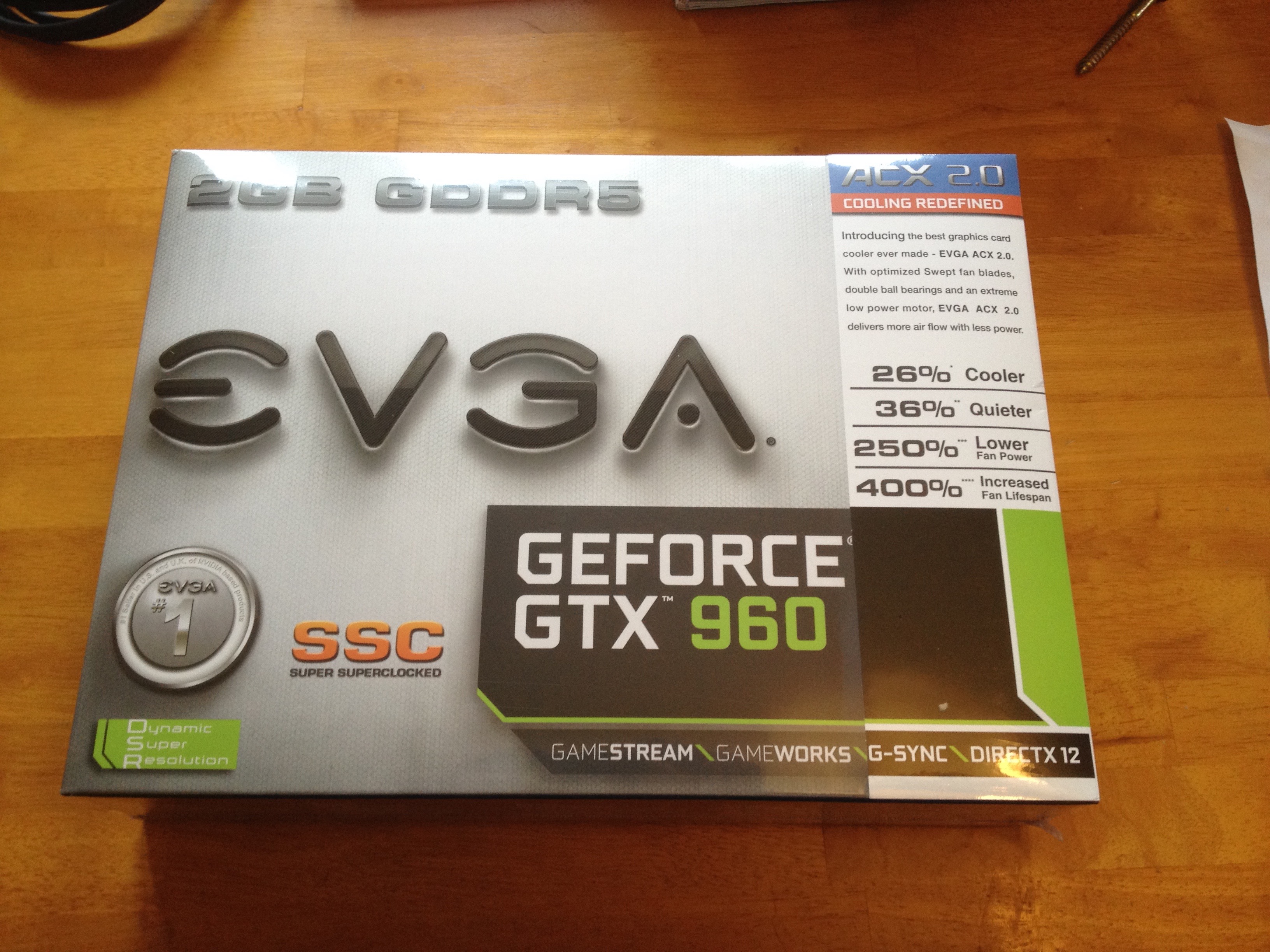 The new card, a GTX 960, is significantly faster than the card I had. I could have purchased a cheaper card that would have met the requirements of the app, but this card supports up to three 4K monitors (ultra high definition / retina). In my line of work, being able to see what my customers see is important, so I purchased something that is a bit future proof. When I buy my first 4K monitor, this graphics card will be up to the task.
Below you can see the new card (on top) and the old 9800 GT. I purchased the 9800 GT when I initially built the computer because it was a solid bang for your buck.

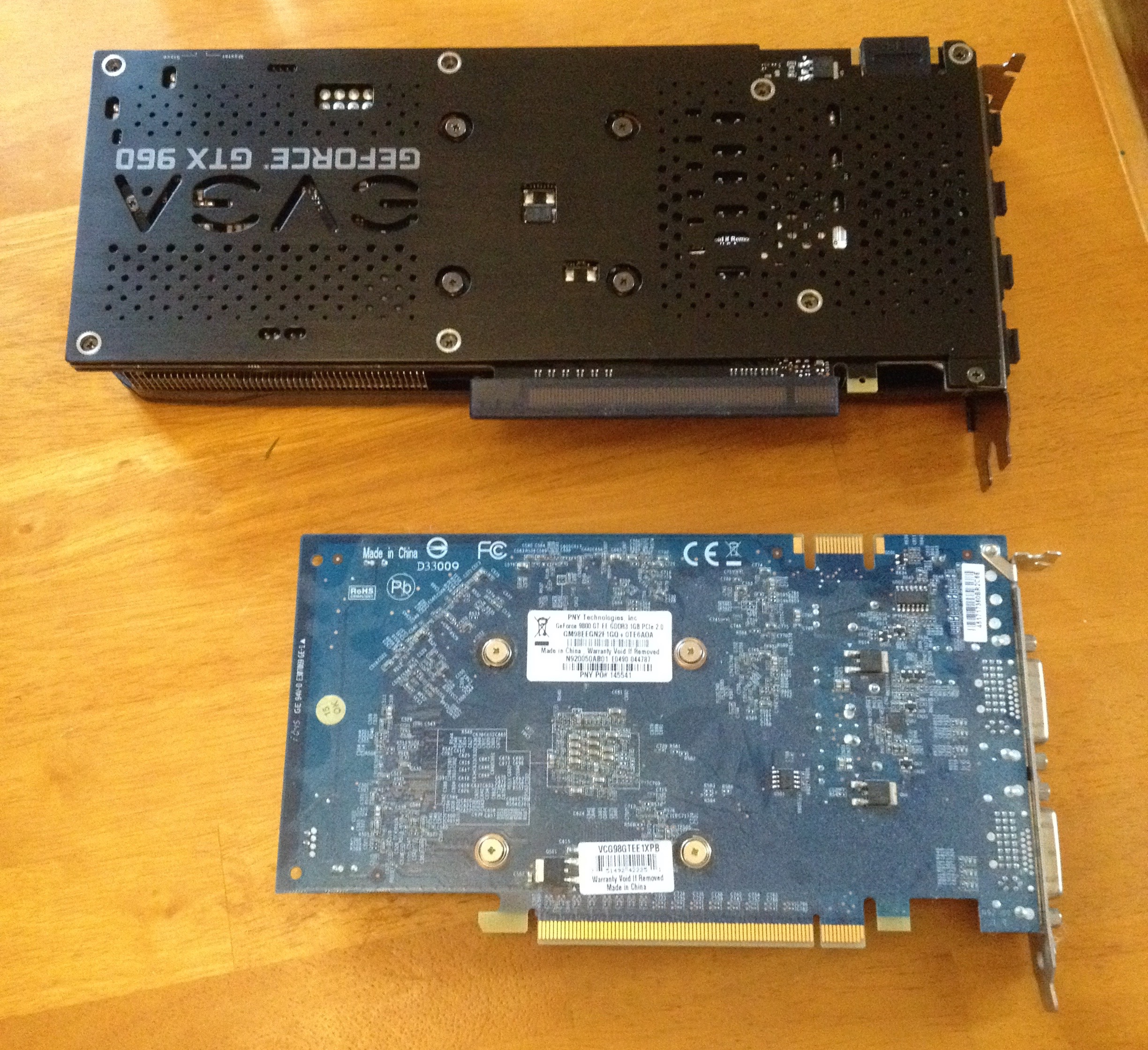
The GTX 960 is twice as thick and about 30% longer. This turned out to be a small challenge.
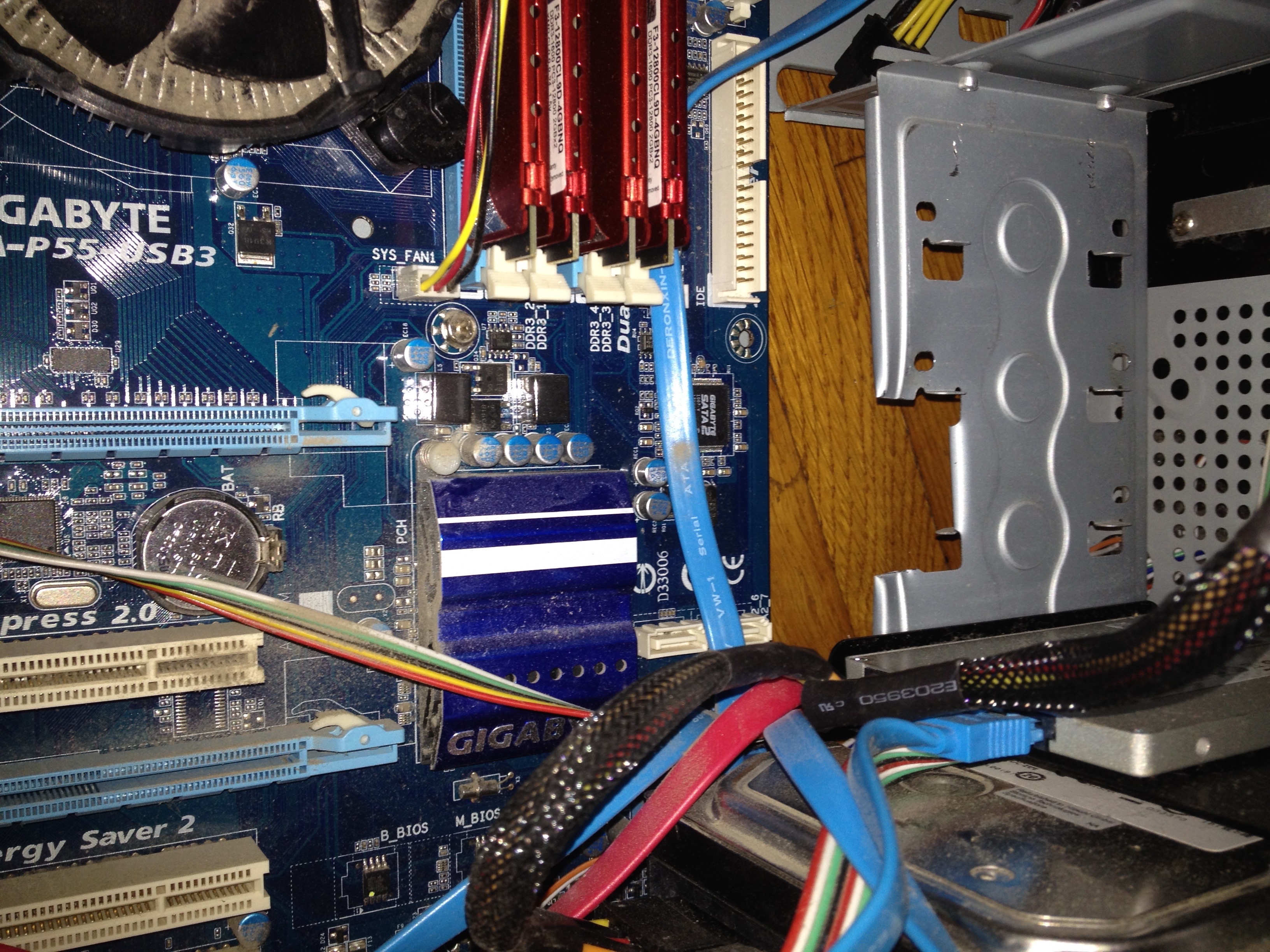
The inside of my computer case is cramped and err, dirty.

The big black box at the top marked power supply, is the part that you plug into the wall and into all of the individual components of the computer to supply power (geez, who woulda thunk it?)
The red sticks in the upper right are the RAM modules. They can be removed and upgraded. I currently have 8 Gb of RAM installed (2×4). Just to the left of the RAM modules in the CPU, heatsink, and fan. As my nephew is finding out, this is a critical piece of the computer. Without the heatsink and fan, the CPU will quickly overheat and automatically turn the computer off. The mess of blue cables are SATA cables. They carry data from the motherboard to things like hard drives and DVD Rom drives. Finally, not pictured is the graphics card. It plugs into a slot labeled PCIe x 16, for PCI Express 16.
My problem was that the new graphics card was so long it was butting into the hard drive chassis area. Using tin snips, I cut out a notch so the extra long graphics card could fit.
 With everything plugged in, I tested the computer before putting everything back into its proper place.
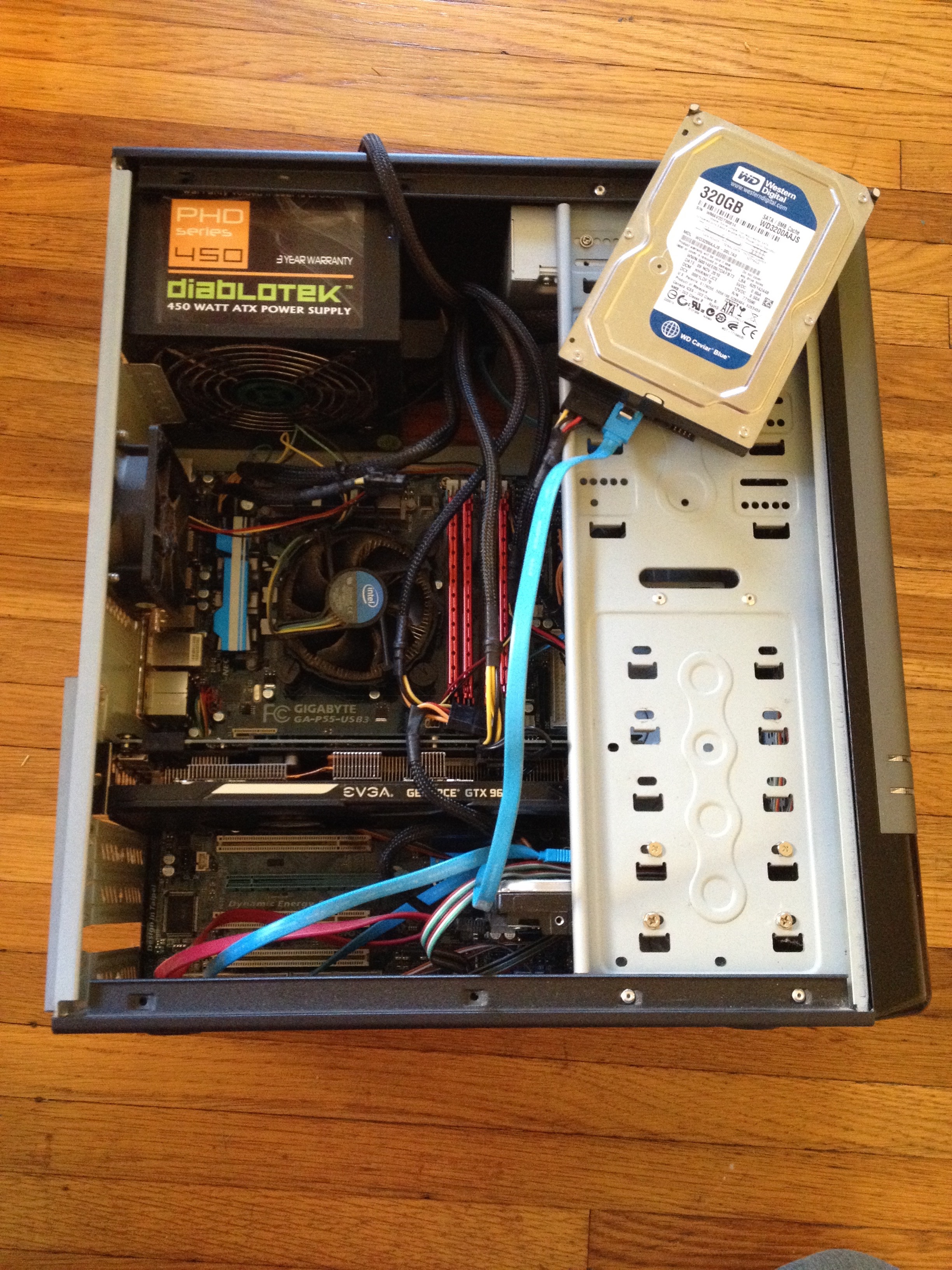
Opening up the other side panel, you can see the butt end of the GTX 960.

The software works now and I can start to make promo videos for my business. Of course, the software doesn’t run very fast because I have an old CPU. That’s an upgrade for another day!